The Bottleneck Problem
At large events, registration desks create queues. A 500-person conference with 4 check-in staff means each person waits an average of 2–3 minutes just to be verified. That's a poor first impression.
Self-Service Check-In
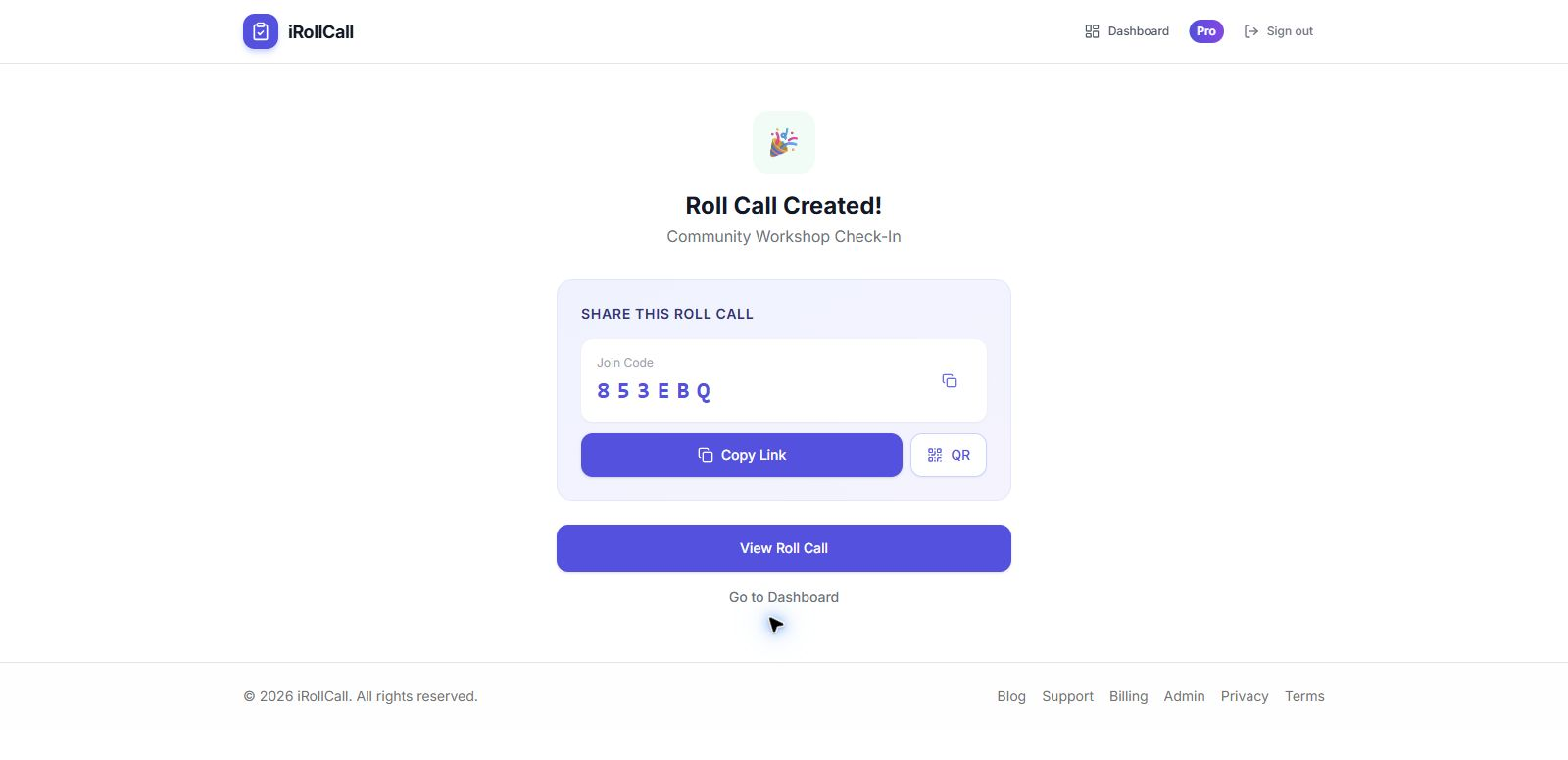
Display your event's QR code at the entrance (on a banner, a screen, or a printed poster). Attendees scan and check in themselves — no staff needed for this step, no queue.
Use Multiple Entry Points
If you have multiple entrances, each can display the same QR code or join code. All check-ins feed into a single real-time list, so you always know who's in the building.
Real-Time Headcount
As the event fills, you can monitor the attendance dashboard from any device. Need to know if you've hit capacity? Check the live count without asking staff to do a headcount.
Late Arrivals and Excused Absences
Allow late check-ins by keeping the roll call open. Staff can add notes for VIPs or speakers who need a special status logged.
Post-Event Export
After the event, export the full attendance list as a CSV for your records, follow-up emails, or compliance documentation. No manual transcription needed.
What About Networking and Name Badges?
Attendance tracking is separate from badge printing or networking features. For large conferences, pair a digital check-in tool with a badge printer at the door — attendees check in digitally, then pick up their badge.