Why It Still Matters Remotely
In a physical office, attendance is self-evident. In remote and hybrid settings, it becomes invisible — yet compliance trainings, all-hands meetings, and workshops still require verified participation records.
The Old Way: Sign-In Sheets and Email Threads
Asking people to reply to an email or sign a Google Form is error-prone and easy to forget. Records get scattered across inboxes and spreadsheets.
A Better Approach: Join Codes
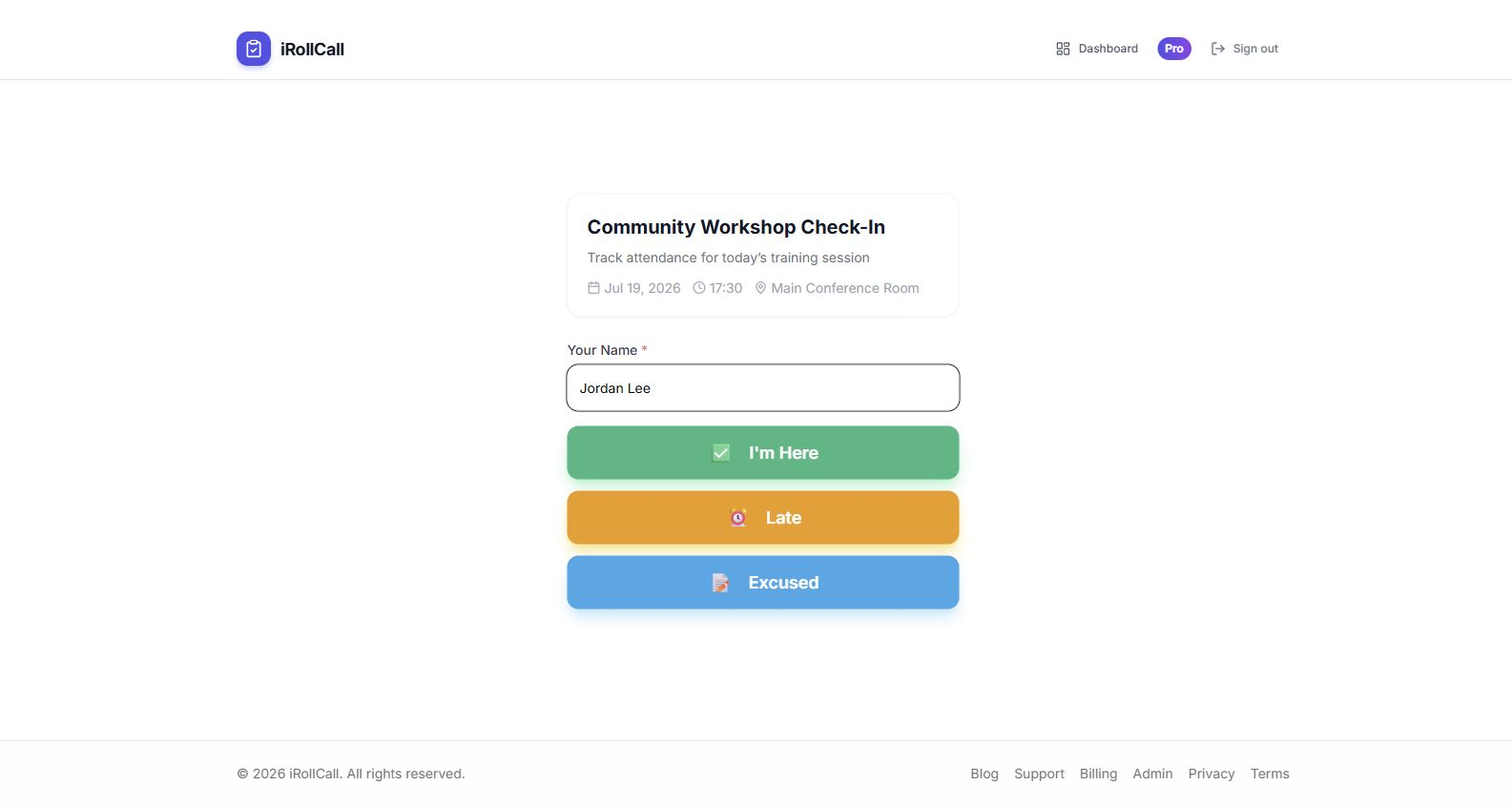
Share a unique 6-character join code at the start of a meeting. Participants visit a URL and enter the code — no login required. The organizer gets a real-time list of who's present.
Recurring Team Meetings
For weekly syncs or monthly all-hands, recurring schedules automatically generate a new roll call each time — with consistent settings, so organizers don't have to set it up from scratch every week.
Audit-Ready Records
HR and compliance teams often need to prove that employees attended mandatory trainings. Timestamped, exportable attendance records make audits straightforward.
Respect People's Time
The best attendance systems are invisible to participants. A 10-second check-in at the start of a meeting doesn't disrupt flow — and it gives organizers the data they need without a clunky process.