Built for attendance
Google Forms
General form builder that you configure for attendance
iRollCall
Purpose built roll calls, statuses, rosters, and attendance records
Google Forms is a capable form builder. iRollCall is built for the moment attendance happens, with live statuses, rosters, QR check in, organizer corrections, and records that are ready to use.
No credit card required for Free. Participants do not need accounts.
The practical difference
A flexible way to collect responses. You design the attendance questions, sharing method, status logic, and follow up spreadsheet workflow.
A ready made attendance workflow. Create the roll call, share the QR or code, watch statuses update, reconcile the roster, and export.
Side by side
Both can collect a name and time. The difference is how much attendance setup and follow up the organizer has to build.
Google Forms
iRollCall
Google Forms
iRollCall
Google Forms
iRollCall
Google Forms
iRollCall
Google Forms
iRollCall
Google Forms
iRollCall
Google Forms
iRollCall
Google Forms
iRollCall
Google Forms
iRollCall
Google Forms
iRollCall
Google Forms features and settings can change. This comparison describes the typical attendance workflow as of August 2026.
Real iRollCall product screens
The QR sharing view and live organizer list are part of one roll call, so the organizer does not have to assemble a form, QR tool, roster, and results sheet.
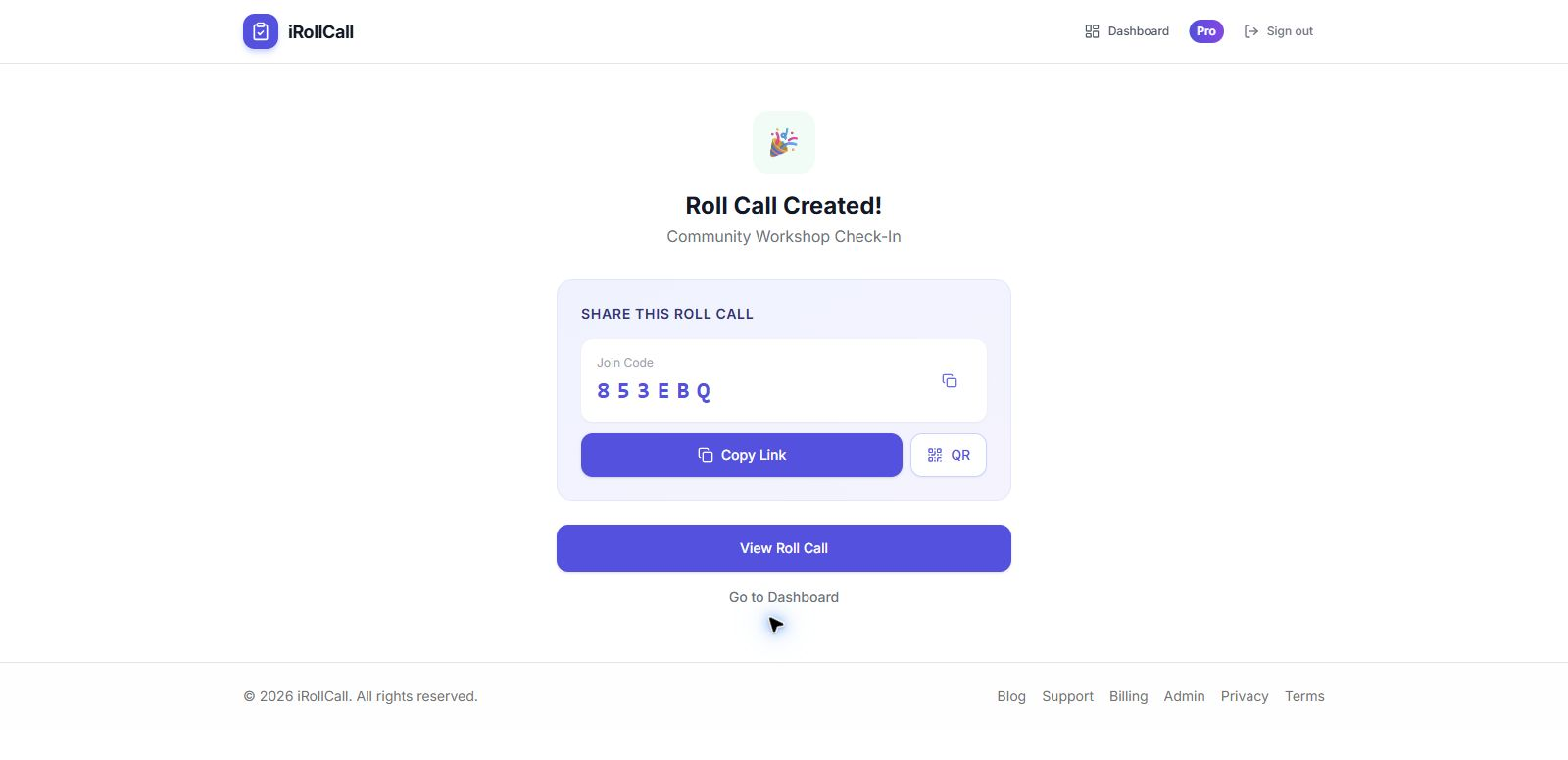
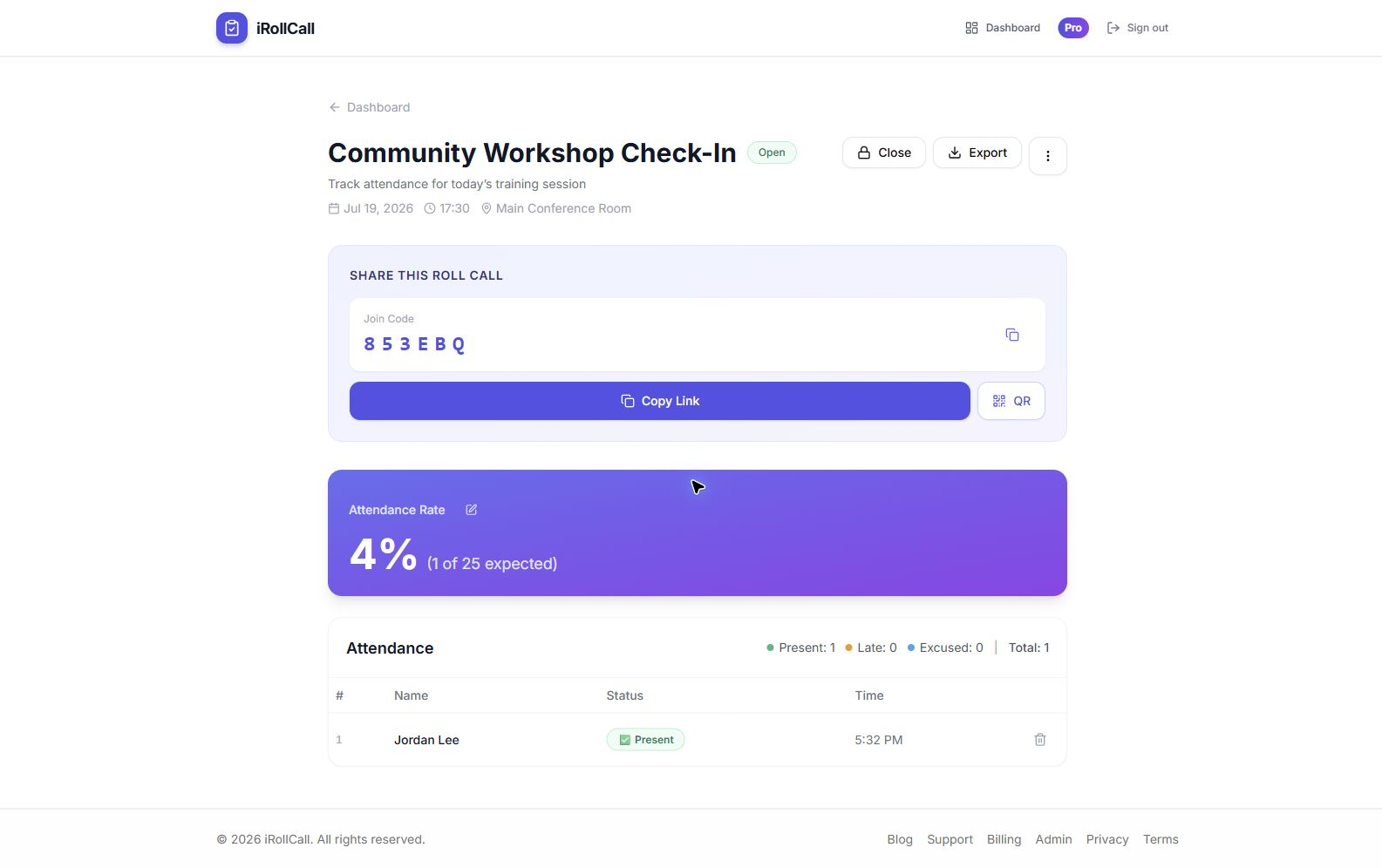
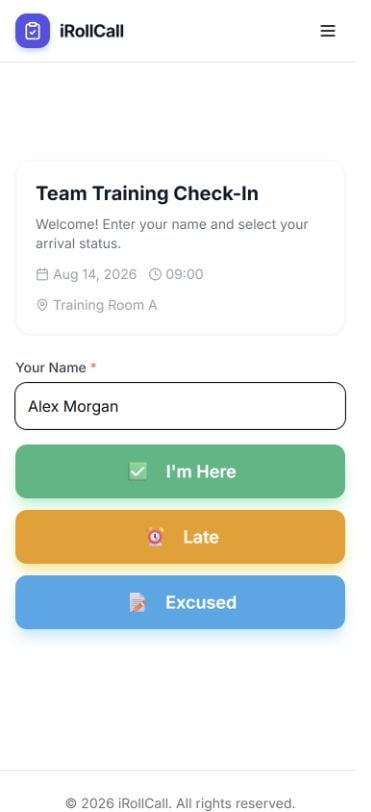
Participants usually check in from their phone: open your link or scan the QR code, enter their name, and tap a status. Organizers can manage attendance from a phone, tablet, or computer.
Create a roll call, share its QR code or join code, and see the organizer list update without building a form workflow first.
Yes. Google Forms can collect names, timestamps, and other responses, especially when paired with Google Sheets. It is a flexible do it yourself option when you are comfortable creating and maintaining the attendance workflow.
iRollCall adds an attendance specific organizer view, Present, Late, and Excused statuses, automatic QR and join codes, printable signs, saved rosters, missing participant views, status corrections, Kiosk Mode, and attendance ready exports.
No. Participants open the organizer's link, scan the QR code, or enter the short join code, then check in from a browser without creating an account or installing an app.
Yes. Every organizer can download CSV and open it in Google Sheets. Pro organizers can export the current attendance record directly to a new Google Sheet.
Yes. The Free plan does not require a credit card and includes up to three roll calls per rolling 30 days with up to 50 check ins per roll call. Eligible organizers can also start a card required seven day Pro trial.