Works for Every Fitness Format
Why Fitness Studios Switch to Digital Attendance
Paper sign-in sheets get wet, lost, or illegible. Badge scanners require hardware investment and member card systems. And manually entering attendance after class is time you don't have. iRollCall replaces all of that with a QR code you generate once and reuse for every session.
Beyond convenience, digital attendance gives you data. Which classes have the best retention? Which instructors draw the biggest groups? Which timeslots underperform? Answers to these questions help you run a better studio.
Fast Check-In
Members scan the QR code and they're logged — no typing, no scanning badge cards.
Class Popularity Data
See which classes fill up and which underperform to optimize your schedule.
Recurring Class Schedules
Set up your weekly schedule once — roll calls generate automatically for every session.
Export Records
Download attendance CSVs for payroll, capacity planning, or member retention analysis.
How It Works in Your Studio
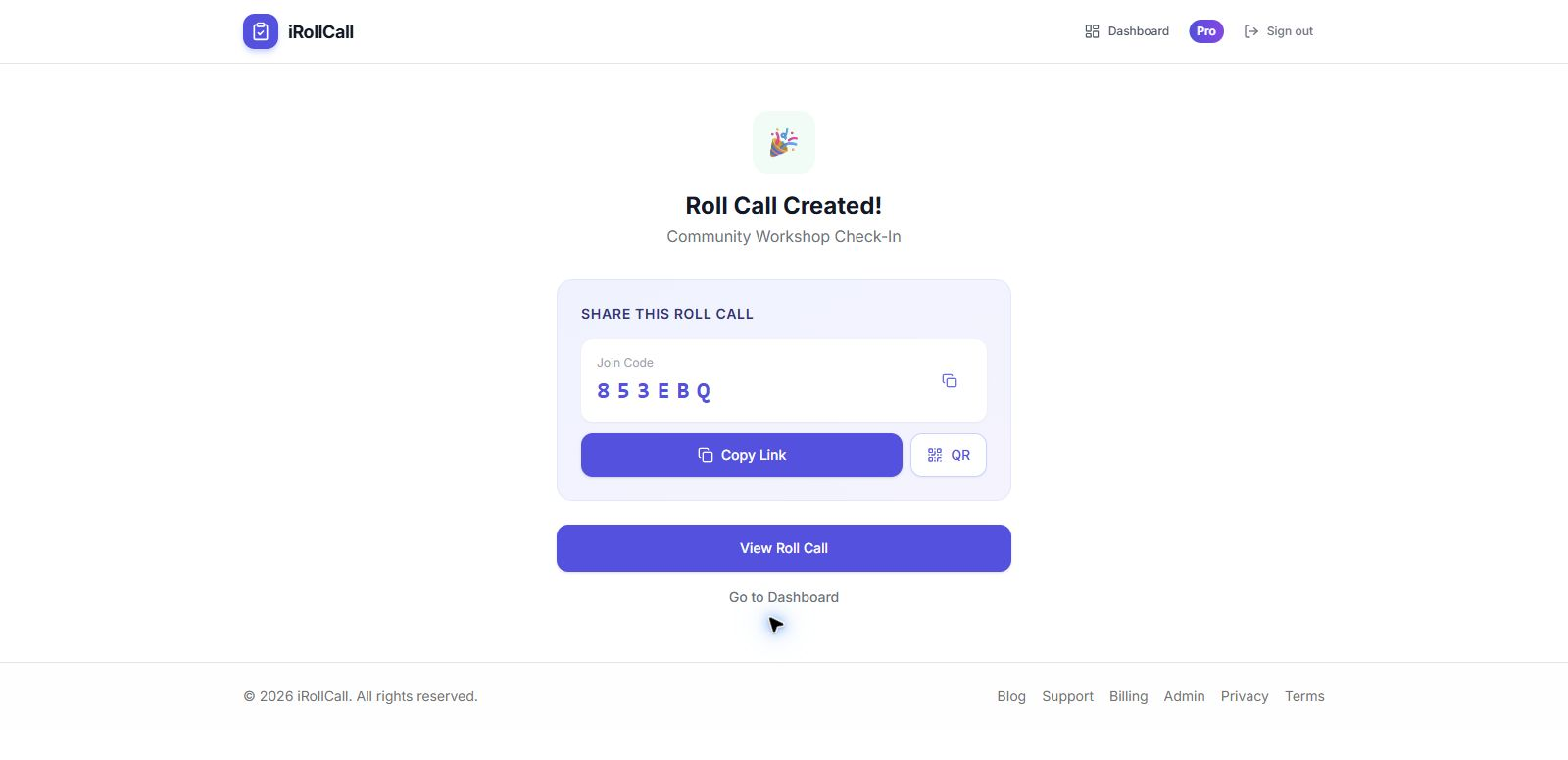
Create a Class Roll Call
Set up recurring schedules for regular classes — Monday 6am CrossFit, Tuesday 7pm Yoga, etc. Each class gets its own QR code.
Display the QR Code
Print it, project it, or show it on your phone at the studio entrance. Members scan as they arrive.
Members Check In
They tap 'Present' on their phone — no login required. Drop-ins enter their name once.
Review Class Data
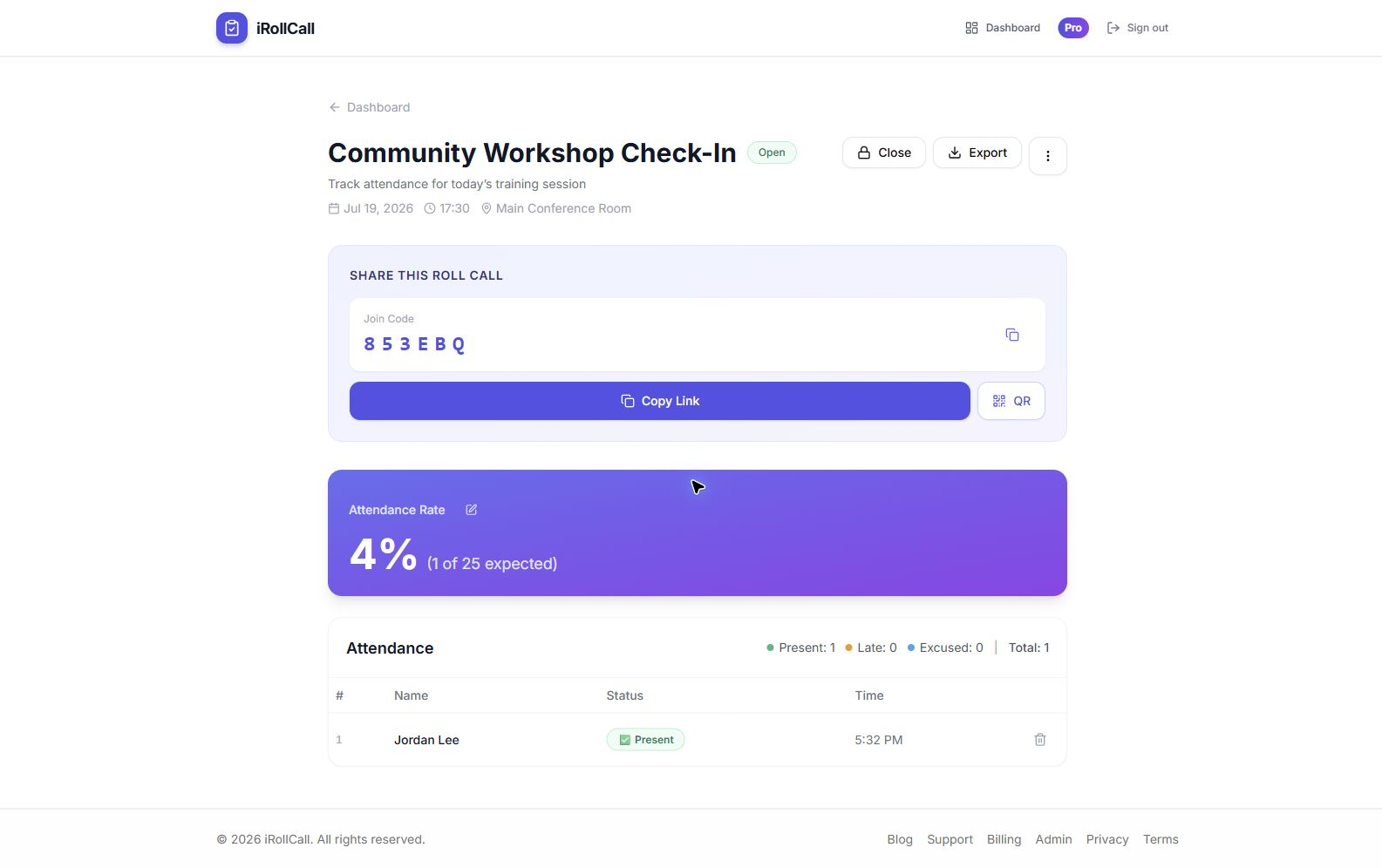
After class, see exactly who attended. Over time, spot retention trends and optimize your schedule.
Member Retention Starts with Data
Consistent attendance history helps instructors notice when regular members start skipping classes. That gives your team a practical reason to check in with a helpful text, email, or personal call instead of relying on memory or scattered paper sheets.
iRollCall gives you a clear record of who attended each session. It does not replace a full gym membership platform, but it makes class attendance easier to review, export, and act on.
Frequently Asked Questions
Can I track multiple classes at the same time?
Yes. Create one roll call per class. Each has its own unique QR code, so members checking into Yoga won't appear in CrossFit attendance by mistake.
Do members need to create accounts?
No. Members enter their name once per session and tap 'Present.' No login, no app, no friction at the door.
How do I track class capacity?
Set 'Expected Attendees' when creating a roll call. Your dashboard shows attendance rate vs. capacity in real time.
Can instructors manage their own classes?
Yes. Each instructor creates their own iRollCall account and manages their schedule independently.
What if a member forgets to scan?
Instructors can manually mark members present from their dashboard at any time before closing the roll call.
Can I use this for drop-in classes?
Absolutely. Drop-ins enter their name to check in, just like regulars — giving you a complete record of who attended, even without a booking system.
Run a Smarter Studio
Start tracking fitness class attendance in minutes — free for your first classes.