Why Volunteer Programs Use iRollCall
Volunteers show up inconsistently, often for a single shift, and rarely want to create yet another account for an organization they help once a season. A clipboard sign-in sheet works, but it's easy to lose, hard to read afterward, and nearly impossible to turn into a usable record for reporting.
iRollCall replaces the sign-in sheet with a QR code volunteers scan on their own phone. No app, no login, no friction — just a name and a tap. You get a clean, timestamped record you can actually use afterward.
Use Cases for Volunteer Organizations
Volunteer Shifts
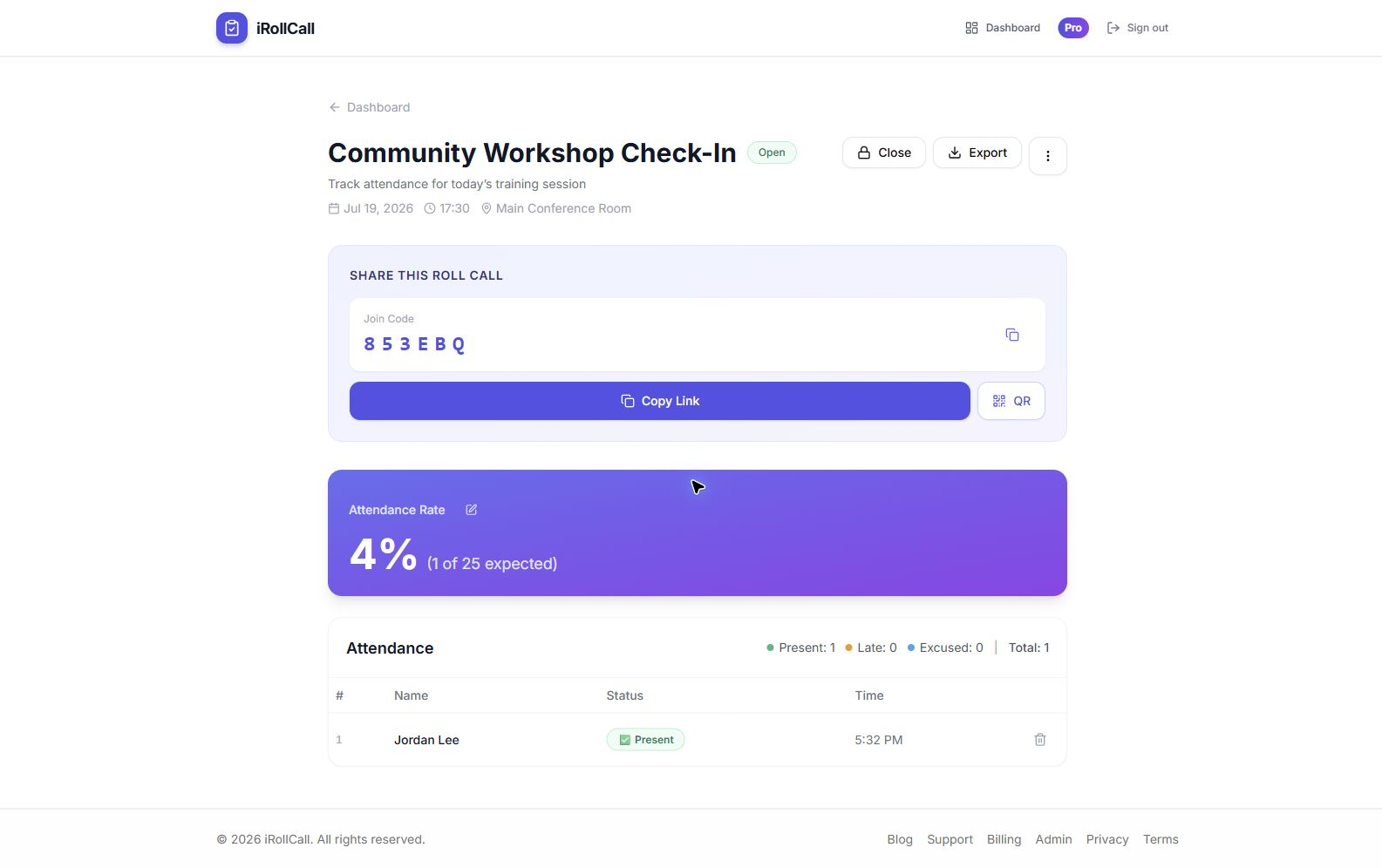
Track who showed up for each shift, with an accurate timestamp for every check-in.
Fundraising & Community Events
Check in volunteers and attendees separately, or run both from the same organizer dashboard.
Food Drives & Donation Days
Fast self-check-in for one-off or recurring drives, with no registration desk needed.
Volunteer Orientation & Training
Confirm who completed required onboarding sessions before they're scheduled for shifts.
Board & Committee Meetings
Keep a clean attendance record for governance meetings and committee work.
Multi-Site Programs
Each site or program lead can run and manage their own roll calls independently.
How Shift Check-In Works
Create a Roll Call for the Shift or Event
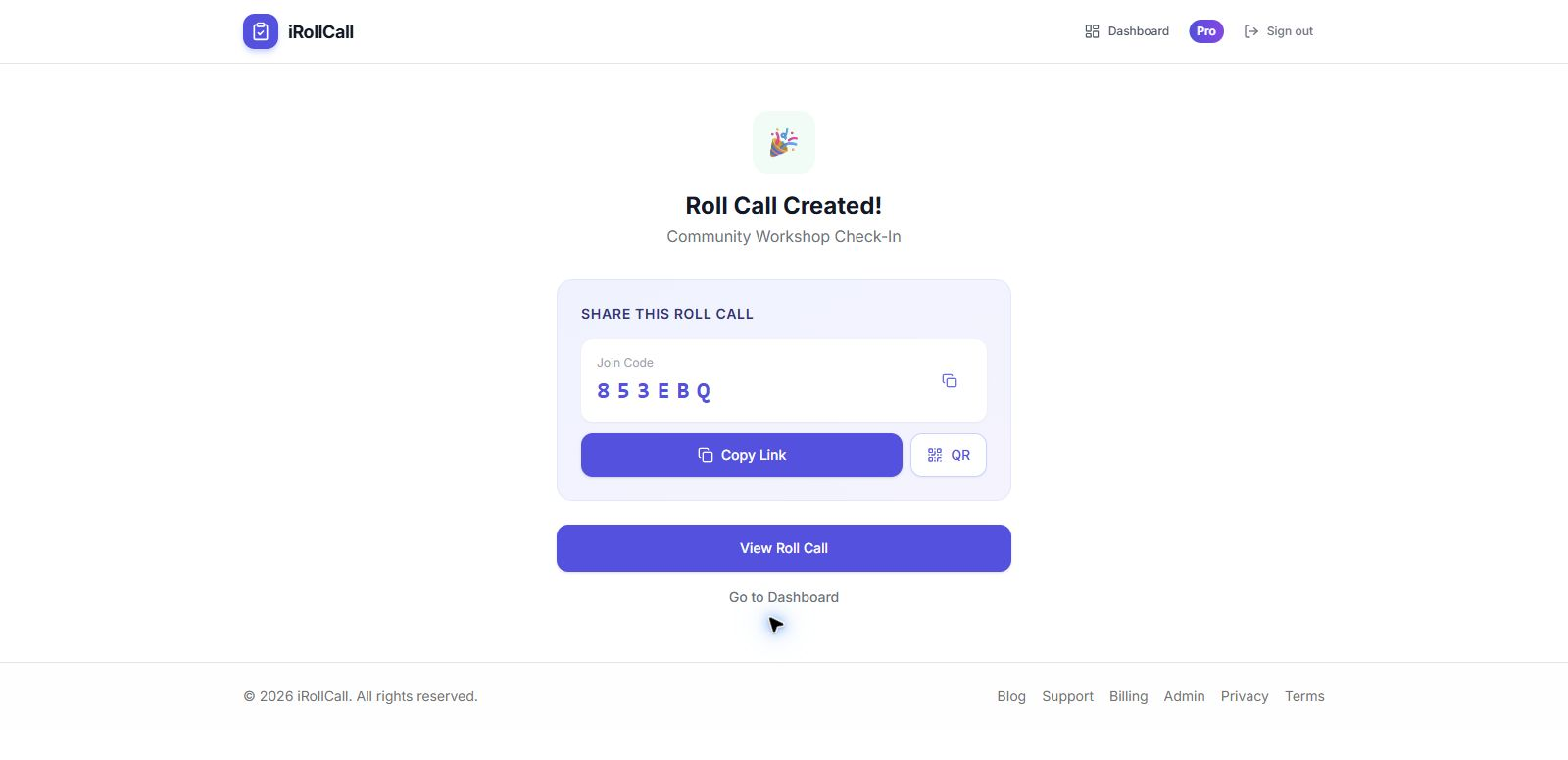
Set it up in under a minute — a single shift, or a recurring weekly slot if it repeats.
Share the QR Code or Link
Post it at the check-in table, text it to your volunteer group, or print it for the sign-in area.
Volunteers Check Themselves In
They scan, type their name, and tap 'Present.' No app, no account, no waiting in line.
Export the Record When You Need It
Download a CSV with names and timestamps for scheduling, recognition, or grant reporting.
Better Records Make Volunteer Recognition Easier
Beyond knowing who showed up, a real attendance record makes it easier to recognize your most consistent volunteers, spot when a regular has quietly stopped coming, and show funders and boards clear evidence of program participation — without hours spent transcribing a stack of sign-in sheets.
Frequently Asked Questions
Do volunteers need to create an account?
No. Volunteers scan a QR code or use a join link and check themselves in — no app, no password, no account required. That matters for volunteer programs where people show up once or twice a year.
Can we use this for grant or impact reporting?
Yes. Every roll call can be exported as a CSV file with names and check-in timestamps, which you can hand off to your grant reporting or volunteer management process.
Can multiple shift leaders manage their own check-ins?
Yes. Any organizer with an iRollCall account can create and manage their own roll calls independently, so program leads don't need to funnel everything through one admin.
Is there a limit on how many volunteers can check in?
Free accounts support up to 50 check-ins per roll call — enough for most single shifts or small events. Pro accounts ($12/month) support unlimited check-ins for larger drives and multi-day events.
Can we set up a recurring weekly shift automatically?
Yes, on the Pro plan. Set a shift to repeat weekly or monthly and iRollCall generates a fresh roll call automatically — no need to recreate it each time.
Know Who Showed Up — Every Shift.
Start tracking volunteer attendance in minutes — no tech expertise required.